
Introduction
Nothing is frustrating like making an important phone call from your car and hearing the person on the other end complain that they cannot understand you. If you drive a Honda Civic and callers constantly tell you that you sound muffled, distant, or buried underwater, you are not alone.
Driver communities and automotive DIY forums are packed with owners facing this exact hands free audio problem. This guide will help you fix the issue faster and more effectively than standard generic car repair blogs.
Why Your Honda Civic Microphone Sounds Muffled
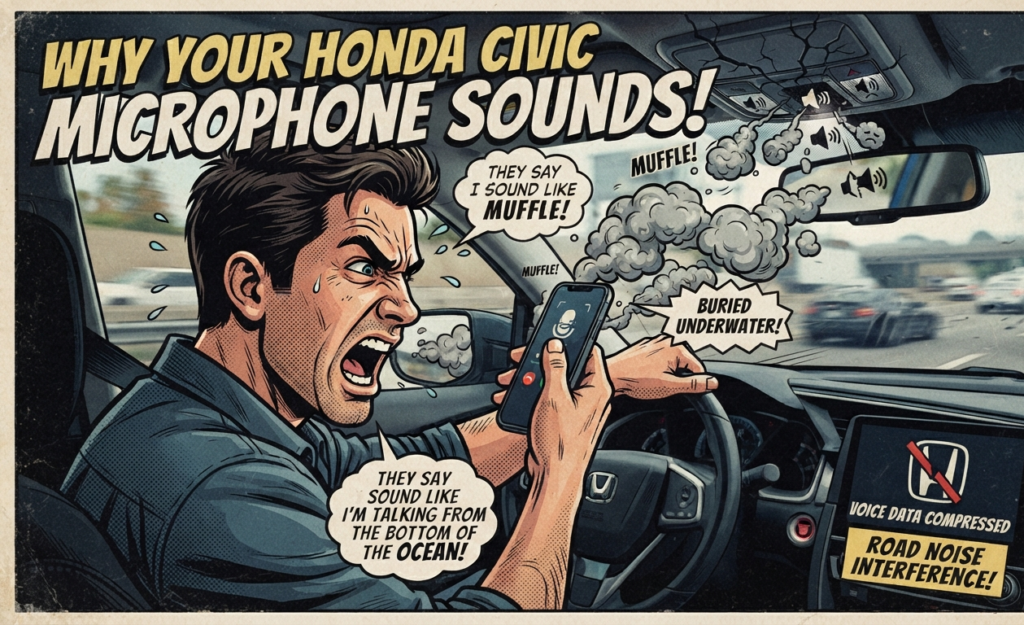
Most standard car blogs only tell you to restart your phone. To truly fix a Honda Civic, you must understand how the factory systems handle cabin acoustics.
Honda Civic models use active noise cancellation to reduce road hum inside the cabin. When you drive on rough asphalt, this system works overtime and accidentally compresses your voice data.
Other automotive blogs also miss the codec difference. Music streaming uses high bitrate Bluetooth audio profiles, while phone calls use heavily compressed narrow band voice profiles. Your phone can stream music perfectly while failing your phone calls.
Step 1: Fix Bluetooth Pairing and System Cache
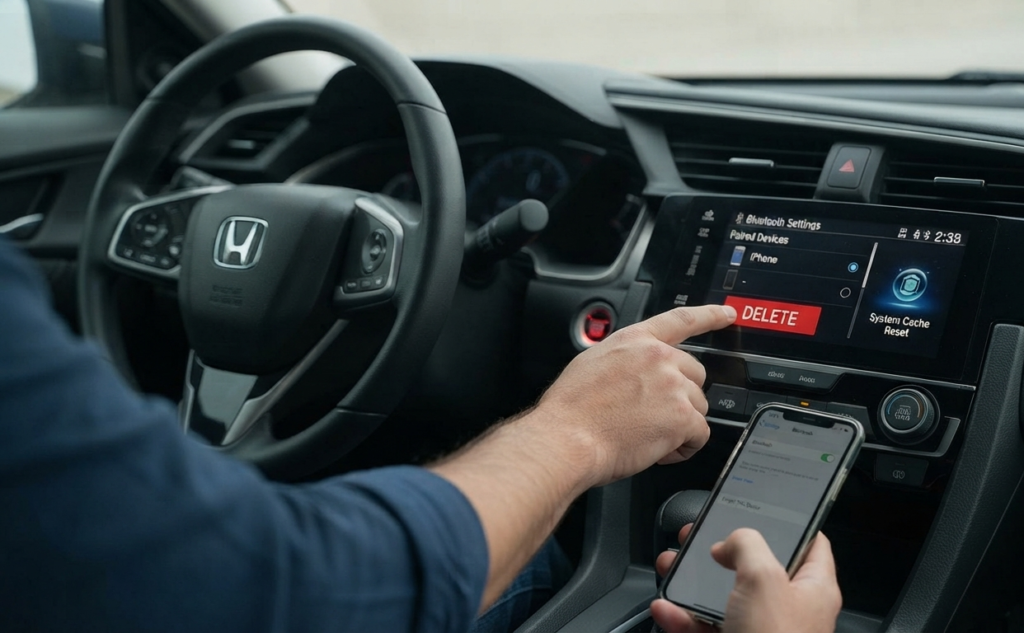
Unlike basic setup guides, forum mechanics recommend a deep system cache reset to clear persistent audio glitches.
Delete your phone profile completely from the Honda infotainment screen. Go into your smartphone settings and forget the car from your Bluetooth history.
Turn off your phone for one full minute to clear temporary system memory. Turn your car ignition to auxiliary mode, pair the devices again from scratch, and allow contact syncing to finish completely.
Step 2: Clean and Inspect the Factory Microphone
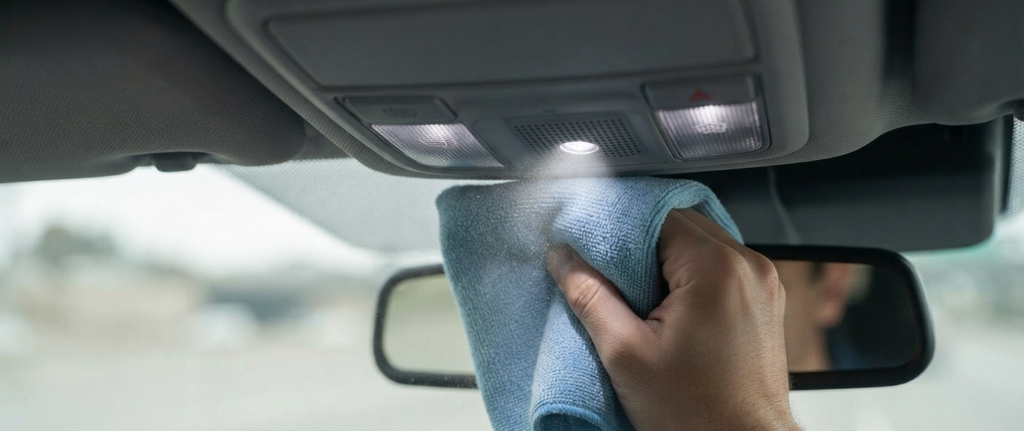
Competitor blogs often forget to mention physical wear and tear inside the cabin. Factory microphones on modern Civics sit right above your head near the map lights.
Over time, dust, airborne debris, or residue from interior detail sprays build up over the tiny microphone slots. Take a dry microfiber cloth and gently wipe the overhead grille clean.
Do not spray liquid glass cleaner or multi surface polish directly onto the headliner. Liquid seepage can permanently ruin the internal microphone circuit board.
Step 3: Stop Road Noise from Ruining Your Calls
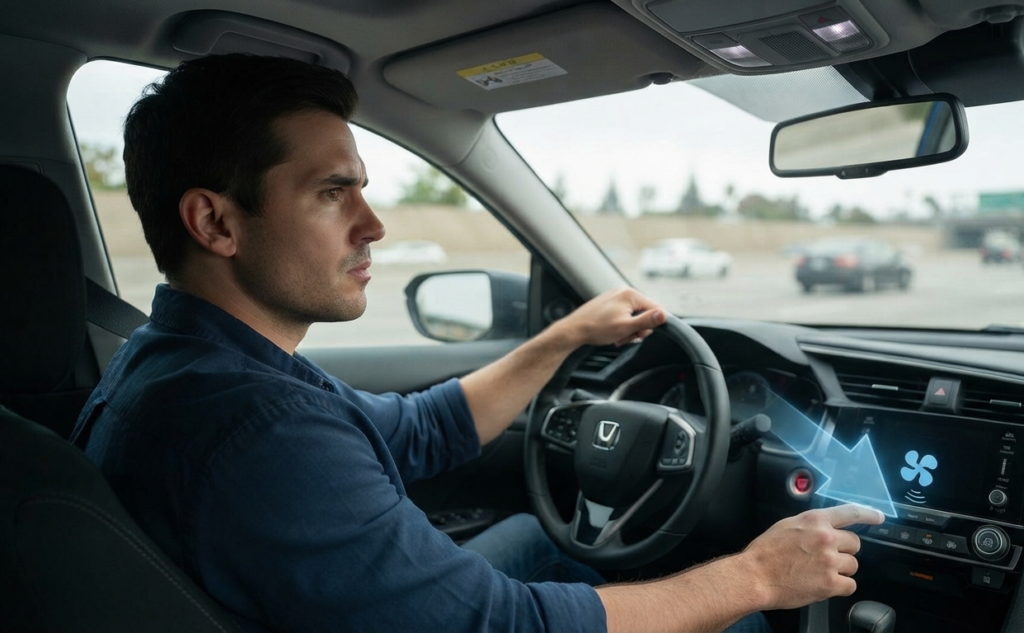
Many Civic owners notice that call quality drops only when driving at high speeds on the freeway. General blogs ignore this specific driving condition.
When road and tire noise enters the cabin, the car microphone attempts to filter it out. Unfortunately, it often filters out human vocal frequencies at the same time.
Try lowering your interior HVAC blower fan speed during important calls. High fan speeds push rushing air right past the overhead microphone and trigger heavy audio distortion.
Step 4: Fix Aftermarket Head Unit Microphone Issues
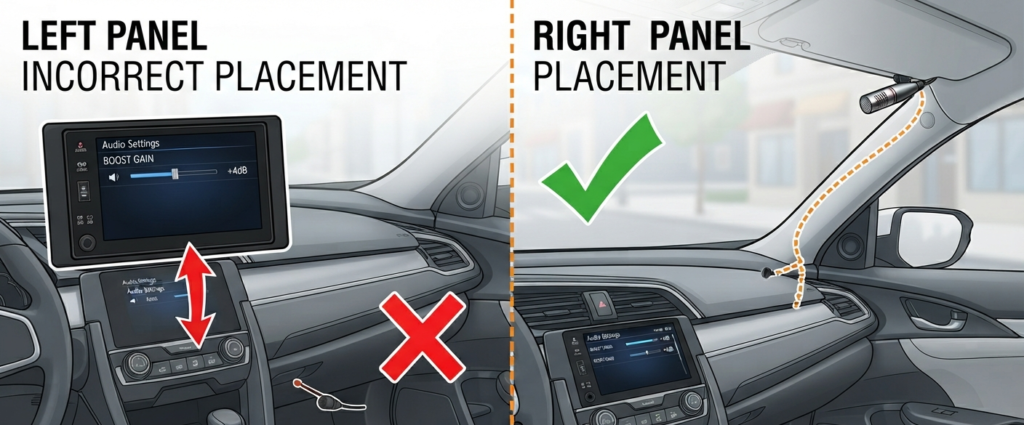
Many Civic owners upgrade their factory touchscreens with aftermarket stereos from brands like Pioneer, Sony, or generic Android units. General troubleshooting guides do not cover these setups.
Access your aftermarket radio settings and look for the microphone gain adjustment menu. Increasing the gain level by a few steps instantly boosts your voice output volume.
Check where your aftermarket installer placed the external microphone wire. If they hid the mic inside the steering column or under the dashboard, callers will never hear you clearly. Move the mic clip to the top of the driver side pillar or sun visor.
Step 5: Check Infotainment and Phone Software Updates
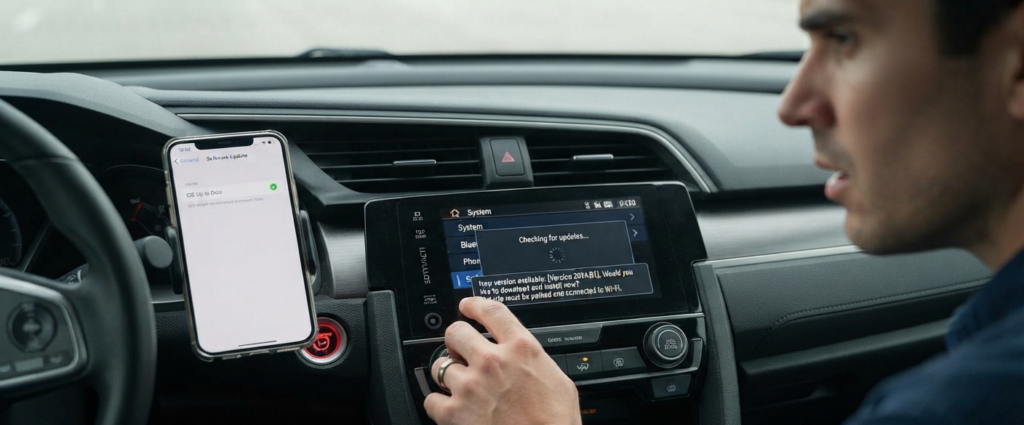
Outdated software causes permanent communication failures between smartphones and vehicle Bluetooth modules.
Check for pending iOS or Android updates on your smartphone. Operating system patches frequently fix underlying Bluetooth driver bugs.
Visit a Honda dealership or connect your car to a stable home Wi Fi network to check for head unit system updates. Honda regularly releases hidden software patches to resolve audio bugs for specific model years.
When to Visit the Dealership
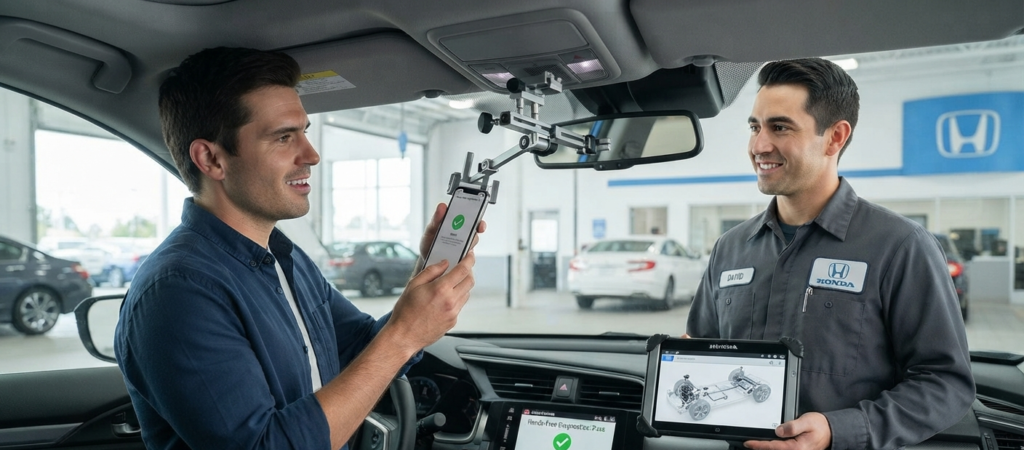
If you have tried every single step and callers still cannot hear you, you may have a failed hardware component.
Factory internal microphones can fail due to loose wiring harnesses behind the headliner or internal electronic shorts.
Check if your car is still covered under a factory warranty or extended dealership protection plan. Visit your local service center and request a diagnostic check on the hands free control module.