
Introduction
Driving down the highway when your check engine light suddenly illuminates is never a welcome sight. You pull out your OBD2 scanner, plug it into the port, and find error code P0172 staring back at you.
This diagnostic trouble code indicates that your Engine Control Module (ECM) has registered a System Too Rich condition on Bank 1—meaning there is too much fuel or not enough air entering the combustion chambers.
Ignoring this warning will tank your fuel economy, wash down cylinder walls, and eventually ruin your expensive catalytic converter. This comprehensive guide breaks down the specific causes, model-specific traits, and step-by-step diagnostic procedures to fix your Honda Civic once and for all.
What Does Error Code P0172 Mean on a Honda Civic?
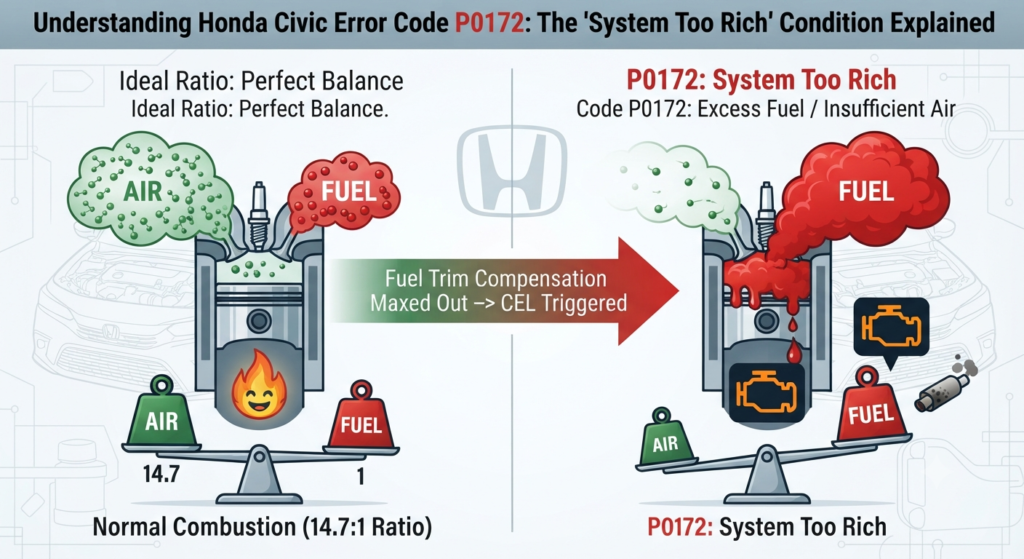
Modern internal combustion engines require a precise balance of air and fuel to operate cleanly and efficiently. The ideal stoichiometric ratio is 14.7 parts of air to 1 part of fuel.
When your car logs a P0172 code, it means that ratio has dropped too low because excess fuel is entering the system. To compensate, the computer constantly attempts to pull fuel away using short-term and long-term fuel trim adjustments. Once these correction parameters hit their maximum software limit, the computer gives up and triggers the check engine light.
Common Symptoms of P0172 in Civic Models
Before or immediately after the check engine light appears, your Civic will typically exhibit distinct drivability symptoms:
- Strong Fuel Odor:
A heavy smell of unburned raw gasoline coming from your exhaust pipe. - Rough Idle:
The engine stumbles, shakes, or dips dangerously low in RPMs when you come to a stop. - Engine Stalling:
The car may die entirely when transitioning from cruising speeds to a complete stop. - Decreased Fuel Economy:
You will notice significantly fewer miles per tank as excess fuel is wasted. - Black Soot Buildup: Dark carbon stains or soot accumulating around your rear bumper or exhaust tip.
Top Causes for Honda Civic P0172
Generic online repair manuals list broad, generalized causes like a dirty air filter or a failing upstream oxygen sensor. However, Honda Civics have unique mechanical characteristics that you must evaluate first:
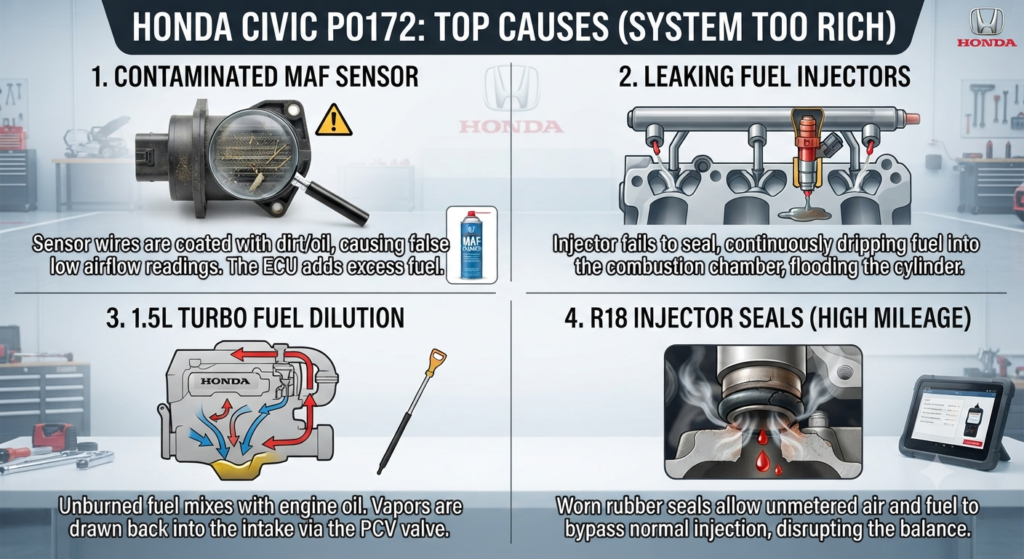
1. Contaminated or Faulty Mass Air Flow (MAF) Sensor
The MAF sensor measures the exact volume and density of air entering the engine. If dust, oil residue, or debris coats the internal sensor wires, it reports false, low airflow readings to the computer. In response, the ECM adds excess fuel, driving the system into a rich state.
2. Leaking or Stuck Fuel Injectors
If a fuel injector fails to seal properly or becomes stuck open, raw fuel continuously drips directly into the combustion chamber. This floods the cylinder with unmetered fuel, instantly triggering the rich code.
3. Honda 1.5L Turbo Fuel Dilution Issue
Modern turbocharged Honda Civic models are susceptible to fuel dilution, where unburned gasoline slips past piston rings and thins out the engine oil over time. This extra fuel vapor routes through the PCV (Positive Crankcase Ventilation) valve right back into the intake tract, causing a stubborn, recurring P0172 code.
4. High-Mileage R18 Engine Injector Seals
Older Civics equipped with the reliable 1800cc (R18) engine frequently suffer from degraded, hardened rubber injector seals. These worn seals allow unmetered air and fuel bypasses to disrupt the normal balance.
Step-by-Step Diagnostic Guide for DIYers
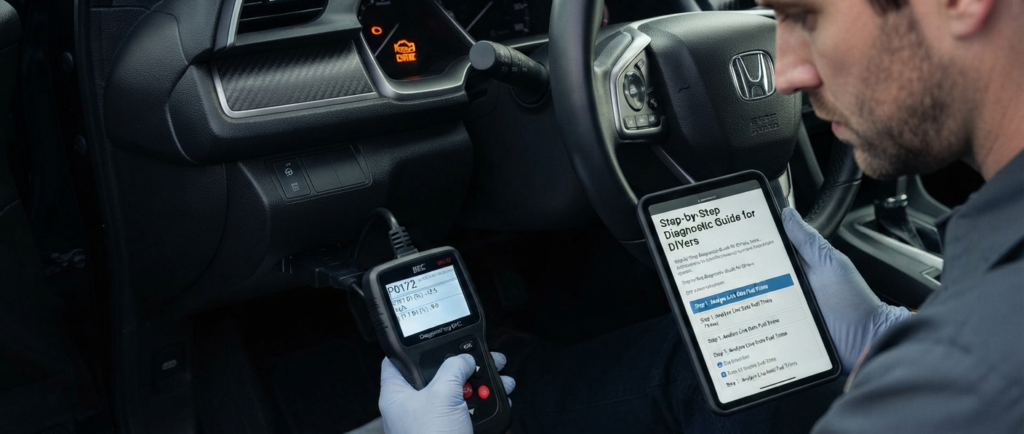
You do not need an expensive shop diagnostic fee to figure out what is wrong with your vehicle. Follow these systematic troubleshooting steps at home:
- Step 1: Analyze Live Data Fuel Trims
Plug your OBD2 scanner into the port under your driver’s side dash and navigate to Live Data. Monitor your Short-Term Fuel Trim (STFT) and Long-Term Fuel Trim (LTFT) values once the engine reaches normal operating temperature. If your long-term fuel trim sits below negative 8 percent (-8%) at idle, your engine is actively fighting a rich condition. - Step 2: Inspect and Clean the MAF Sensor
Locate your MAF sensor situated in the intake piping right after the air filter box. Carefully unscrew it and pull it out without touching the delicate internal elements. Saturate the sensor wires using specialized MAF sensor cleaner (do not use brake cleaner or harsh solvents) and let it air dry completely before reinstallation. - Step 3: Check the Air Filter and Housing
A heavily restricted air filter starves the engine of oxygen. Pull out your engine air filter and replace it immediately if it is clogged with dirt, leaves, or black debris.
How to Fix and Clear the Code Permanently
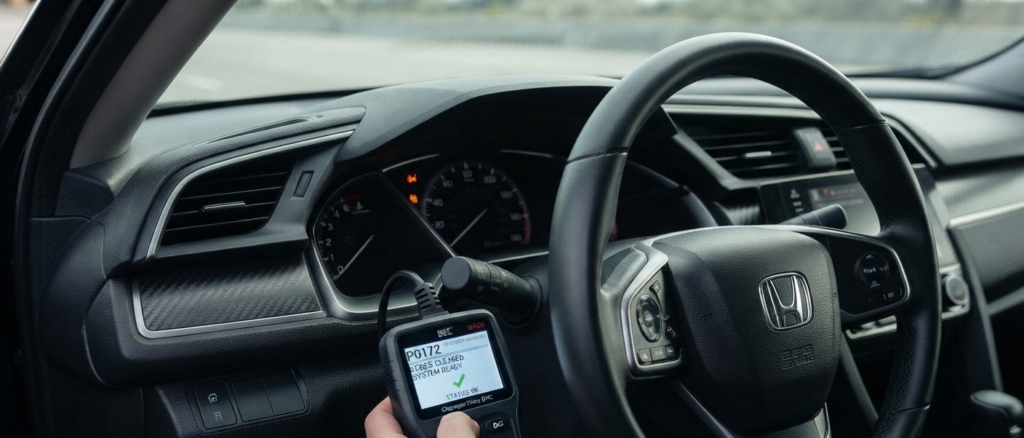
Once you have cleaned the sensors, replaced a clogged filter, or addressed mechanical leaks, you need to clear the diagnostic trouble codes from the computer’s memory.
- Use your OBD2 scanner to erase error codes.
- Take your Honda Civic out for a 10 to 15-minute drive covering both city stop-and-go driving and highway cruising speeds to complete a proper factory drive cycle.
- Check the system again. If the check engine light remains off, your repair is complete.