
Owning the 11th Gen Honda Civic is a fantastic experience. It is stylish, comfortable, and packed with modern technology.
But most drivers only scratch the surface of what this car can actually do. There are several clever features buried deep in the menus and hidden in plain sight.
These features are designed to make your daily commute safer and much more convenient.
In this guide, we will explore the best hidden features of your 11th Gen Civic. Let’s unlock the full potential of your vehicle.
Unlocking Convenience: Master Your Key Fob
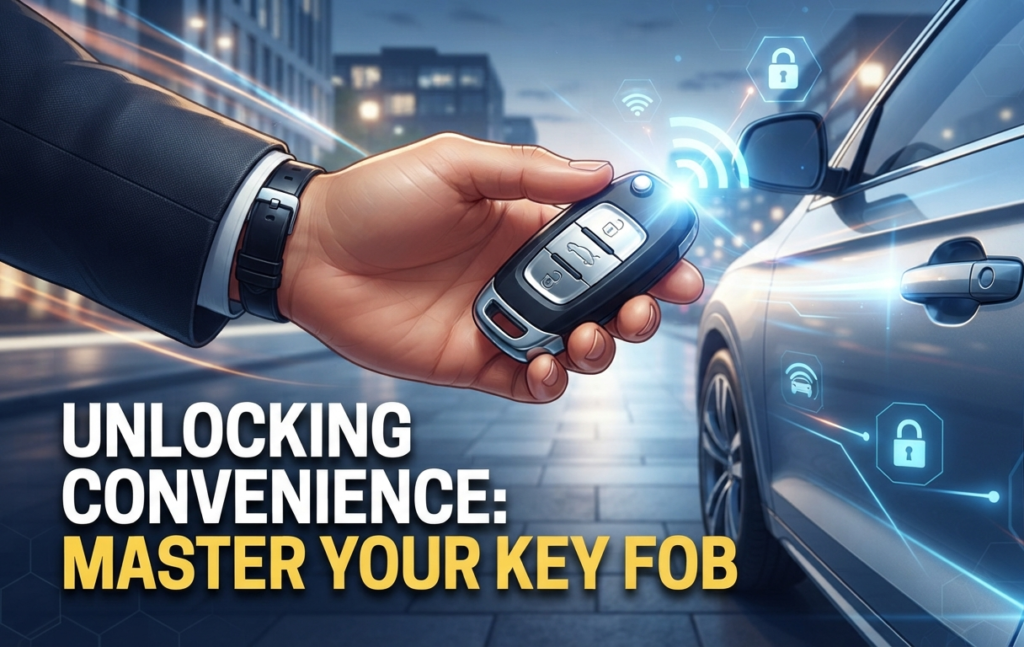
Your key fob is more than just a lock and unlock device. It holds several hidden shortcuts that can save you time and frustration every single day.
Walk Away Auto Lock
Nobody wants to wonder if they locked their car after walking into a busy store. The Walk Away Auto Lock feature handles this for you automatically.
To enable it, go to your vehicle settings on the infotainment screen. Navigate to the Door Setup menu.
Look for the Walk Away Auto Lock option and turn it on. Now, the car will lock itself automatically when you walk more than a few feet away with the key fob in your pocket.
Key Fob Window Roll Down
This is a life saver during the hot summer months in the United States. You can roll down all your windows before you even reach the car to let trapped heat escape.
Press the unlock button on your key fob once. Then, press it a second time and hold it down.
All the windows will start rolling down instantly. This simple trick clears out the hot air from the cabin before you even sit down in the driver’s seat.
Auto Door Unlock Settings
You can choose how your doors unlock when you arrive at your destination. This is great for added security in various environments.
Go into your vehicle settings and find the Door Unlock mode. You can set it so that all doors unlock when you shift into Park.
Alternatively, you can set it so only the driver door unlocks. This gives you extra peace of mind when you are parked in busy or unfamiliar areas.
Infotainment & Interior Mastery
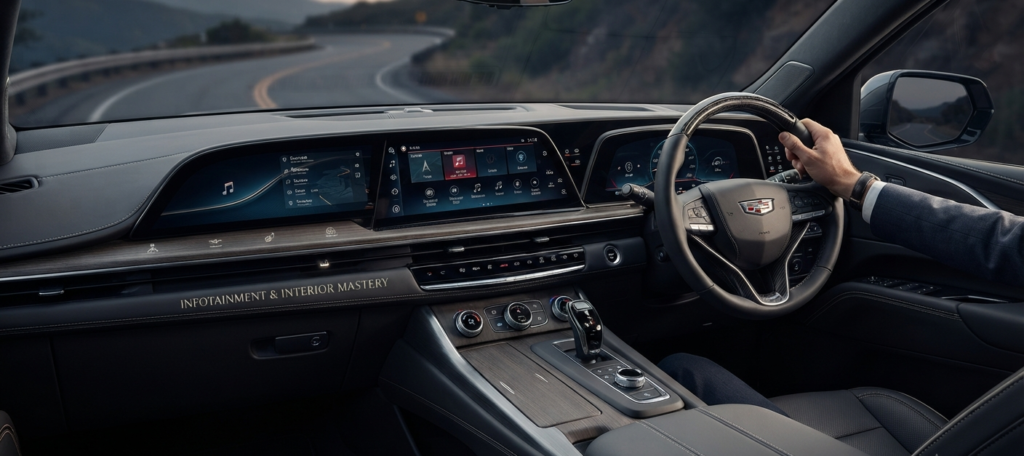
The center screen is not just for music or maps. It is a powerful command center for your entire driving experience.
Customizing the Digital Instrument Cluster
The digital display behind your steering wheel is highly customizable. You can choose what information matters most to you during your drive.
Use the left-side steering wheel controls to scroll through the menu. You can toggle between navigation, music, or driving safety data.
Find the layout that reduces eye strain for your eyes. This keeps your focus on the road where it belongs, ensuring a safer drive.
Google Built-in Shortcuts
If your model has Google built-in, you can use your voice for almost everything. It is much safer than fumbling with touchscreens.
Instead of typing in navigation, just say “Hey Google, take me home.” You can also control the climate settings with simple voice commands.
Experiment with these commands to see how much faster it is than manual input. It makes your daily commute much more efficient.
Screen Layout Shortcuts
You can rearrange the icons on your home screen just like a smartphone. Long-press any icon and drag it to your preferred position.
Keep the apps you use most on the first page. This prevents you from clicking through sub-menus while driving, keeping your eyes on the road.
The Secret “Emergency” Toolkit

These features are often overlooked until you actually need them. Knowing them now can save you from a very stressful situation later.
Emergency Trunk Release
If you ever find yourself locked inside the trunk, do not panic. Every 11th Gen Civic has a built-in safety feature.
It is a glow-in-the-dark T-shaped handle located on the inside of the trunk lid. Simply pull it to release the latch instantly.
Emergency Fuel Door Release
Sometimes the fuel door might not open due to a mechanical glitch or a frozen latch. There is a manual override for this.
Open your trunk and look at the side panel near the fuel door area. You will see a small, removable plastic cover.
Behind it, there is a manual release cable. Pull it gently, and the fuel door will pop open, allowing you to refuel your car.
Manual Override for Key Fob
What if your key fob battery dies while you are out? You are not stuck.
Take out the mechanical key hidden inside the fob. Use it to open the driver door manually.
Once inside, press the start button using the fob itself. Even with a dead battery, the sensor will recognize the fob if it is touching the start button.
Performance & Driving Modes
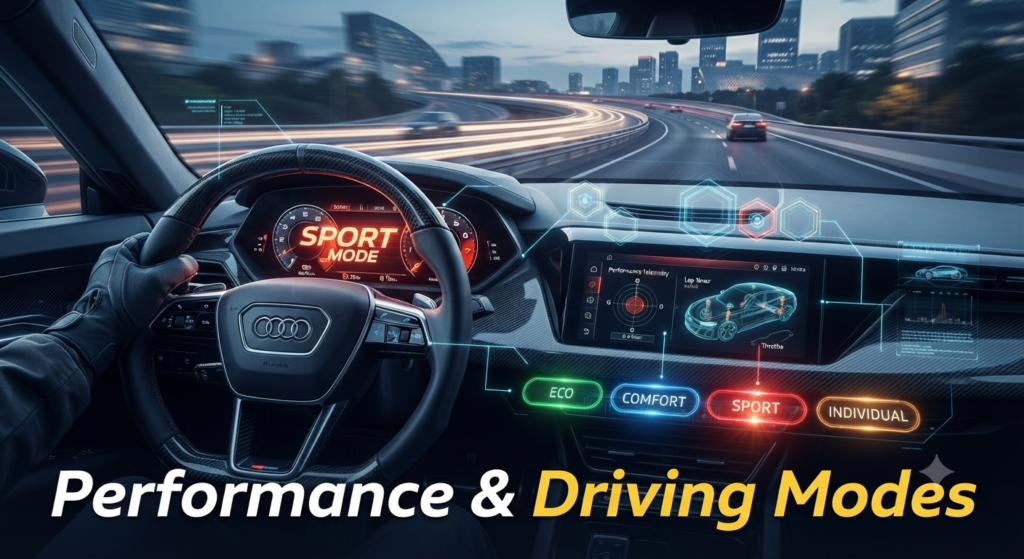
The 11th Gen Civic is designed to be fun and engaging. You can tailor how it drives to perfectly match your current mood.
Individual Drive Mode
Most people stick to Normal or Econ mode. But you can create your own “Individual” mode for a personalized experience.
In this mode, you can set the steering weight and engine response exactly how you like it. If you want responsive steering but a quiet engine, this is the way to do it.
Deceleration Selectors
For the hybrid models, you have paddle shifters that work differently than standard cars. These are your deceleration selectors.
They allow you to control how much the car slows down when you lift off the gas pedal. This helps you recover energy more efficiently while driving in heavy city traffic.
Expert Tips for Civic Owners
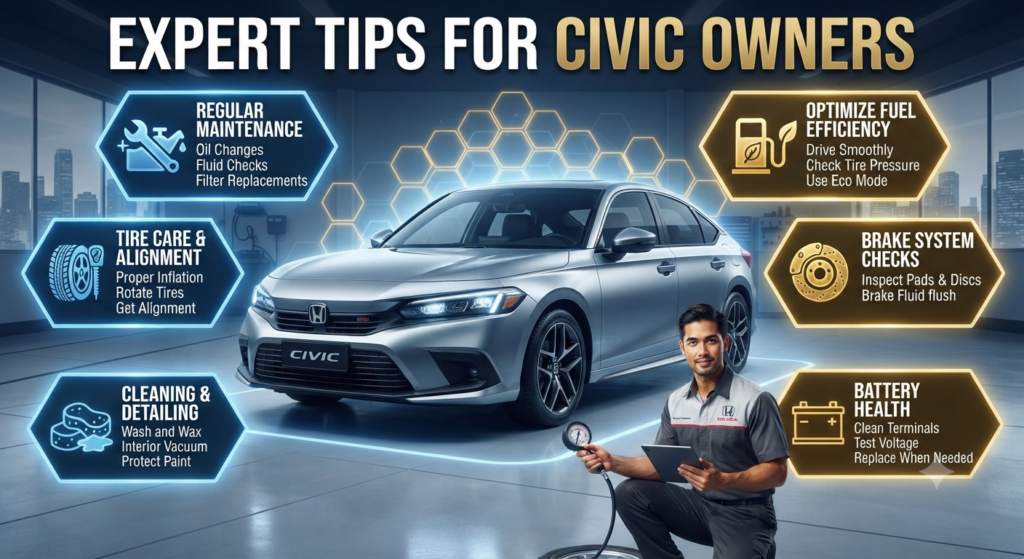
Want to keep your Civic in top shape? Treat it like a partner, not just a machine.
Regularly check your tire pressure through the onboard monitoring system. This simple check improves your fuel economy significantly.
Also, keep your infotainment system updated via Wi-Fi. Honda frequently releases software patches that improve screen responsiveness.
Taking ten minutes to set these features up changes your entire relationship with your car.
A car that knows your preferences feels more like a partner. Use these tips to customize your Civic today.
You will find that your daily commute becomes much smoother and more enjoyable every single time you hit the road.