
Brake pads wear down gradually, so the warning signs often creep up on Civic owners before they realize it. Catching these symptoms early can save you from a much bigger repair bill down the road.
Most Honda Civic brake pads last between 25,000 and 65,000 miles, depending on driving habits and pad material. City driving with frequent stop-and-go traffic wears pads down faster than highway commuting.
Squealing or Screeching Noise
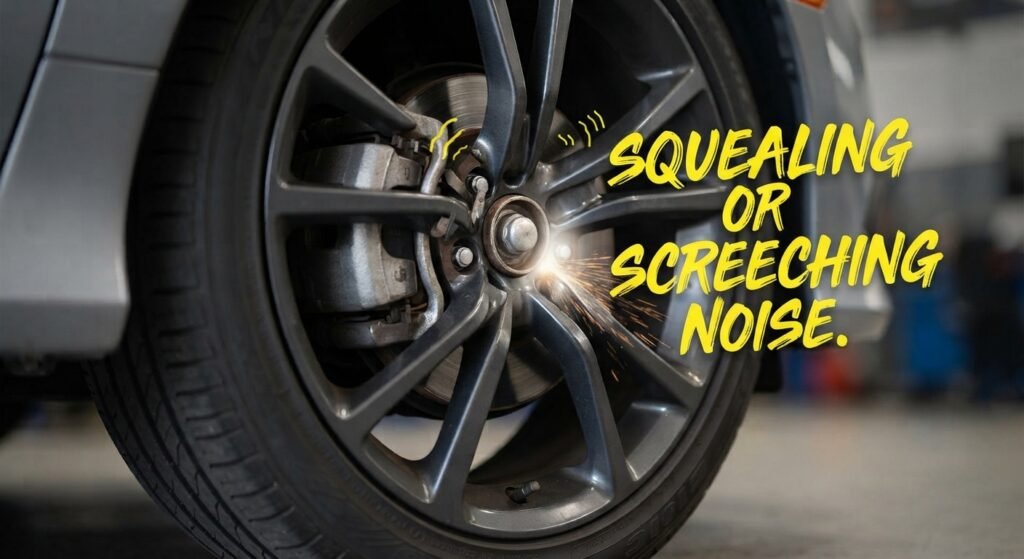
A high-pitched squeal when you brake is usually the first sign of trouble. Most Civic brake pads have a built-in metal wear indicator that scrapes against the rotor once the pad material gets thin, producing that sound on purpose.
This noise typically appears when pads have about 2 to 3 millimeters of material left. Ignoring it for too long lets the pad wear down to metal, which brings on the next problem.
Grinding Metal-on-Metal Sound
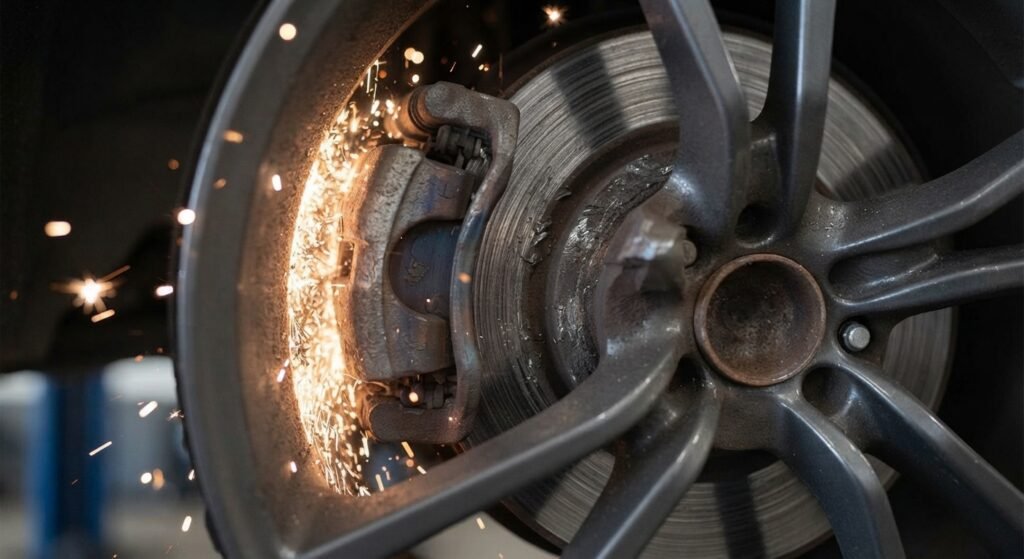
A grinding or growling noise means the pad material is completely gone and the metal backing plate is now scraping against the rotor. This is a serious warning sign and should not be driven on for more than a day or two.
Continuing to drive with grinding brakes can gouge the rotors, turning a simple $150 to $300 pad job into a $400 to $600 pad-and-rotor replacement.
Reduced Braking Performance
If your Civic takes noticeably longer to stop or the pedal feels less responsive than usual, worn pads are a likely cause. This is especially dangerous at highway speeds or in wet weather.
A soft or spongy pedal that sinks closer to the floor can also point to worn pads combined with a fluid issue. Either way, it is worth a prompt inspection.
Vibration or Pulsation When Braking

A pulsing sensation in the brake pedal or steering wheel often signals warped rotors, which frequently happens alongside worn-out pads. Uneven pad wear can cause the rotor surface to heat unevenly and distort over time.
This symptom tends to get worse with hard braking, such as coming down a long hill or stopping quickly from highway speed.
Visible Pad Thickness
You can often see the brake pad through the spokes of your Civic’s wheel. New pads typically measure about 10 to 12 millimeters thick.
If the pad looks thinner than a quarter of an inch, roughly 3 millimeters or less, it is time to schedule a replacement. Waiting until the pad is razor-thin increases the risk of rotor damage.
Brake Warning Light
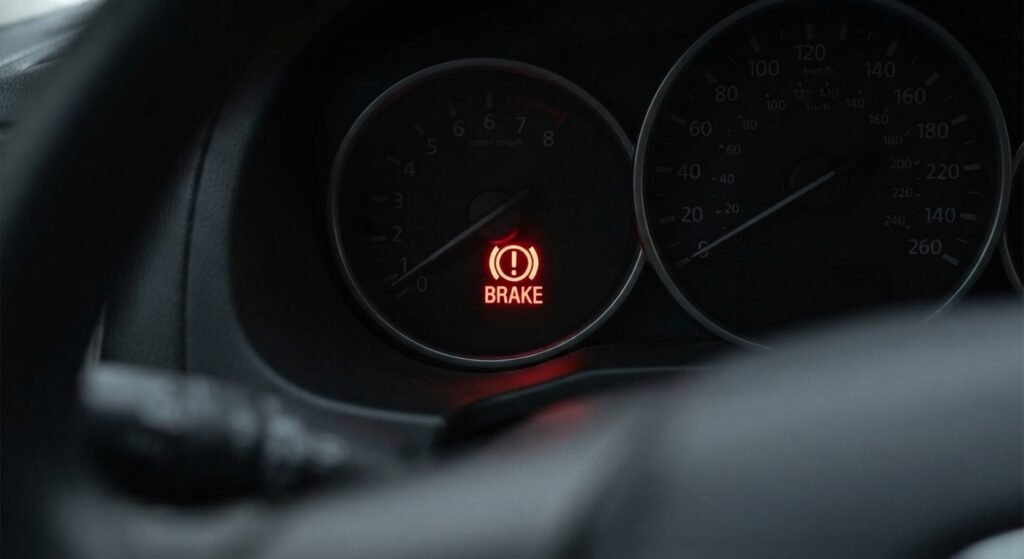
Newer Civic trims, including many Touring and EX-L models, use electronic sensors that trigger a dashboard brake warning light when pads reach their wear limit. Treat this light the same way you would treat the squealing noise: as a signal to get the pads checked soon.
Other Civic models rely only on the mechanical wear indicator sound rather than a dashboard light. Check your owner’s manual to know which system your model year uses.
The Bottom Line on Timing
Most mechanics recommend inspecting Civic brake pads every 10,000 to 12,000 miles, which usually lines up with a routine oil change. Catching wear early keeps repair costs on the lower end of the typical $150 to $300 pad replacement range.