
Introduction
Finding yourself locked out of your vehicle is frustrating.The situation becomes stressful when your Honda Civic refuses to respond to key fob inputs.Many drivers panic because modern cars rely so heavily on electronic keyless entry systems.Competitor automotive guides and DIY car sites often skip the exact physical quirks of getting inside a dead Civic.If your car battery is completely dead or your smart key fob has zero power, standard remote buttons will fail.Honda built a hidden mechanical key system into modern Civic models to solve this exact issue.This comprehensive guide walks you through the exact steps to unlock your vehicle safely.
Step 1: Locating and Extracting the Emergency Key
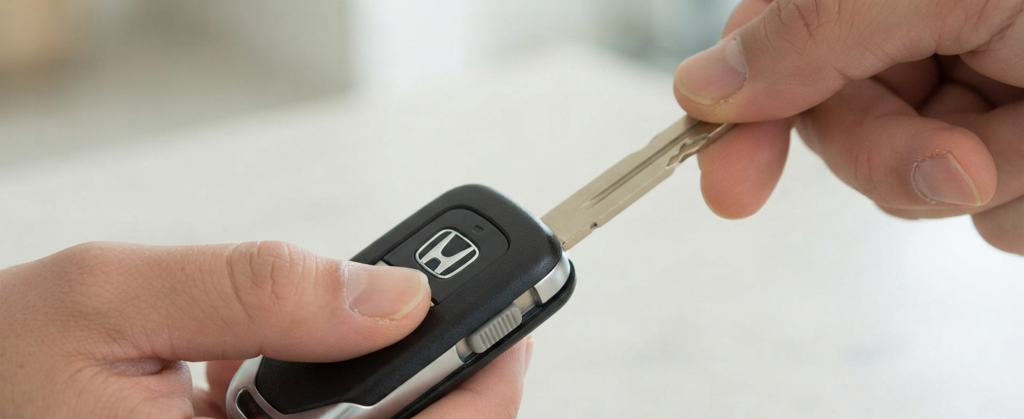
Every smart key fob for modern Honda Civics contains a hidden metal emergency key.Look closely at the back or bottom edge of your key fob case.Find the small release slider button or switch.Press or slide this button while pulling gently on the top metal tip of the key.The emergency physical key will slide right out.Keep this key in your hand as you walk over to the driver side door handle.
Step 2: Uncovering the Hidden Door Lock Cylinder
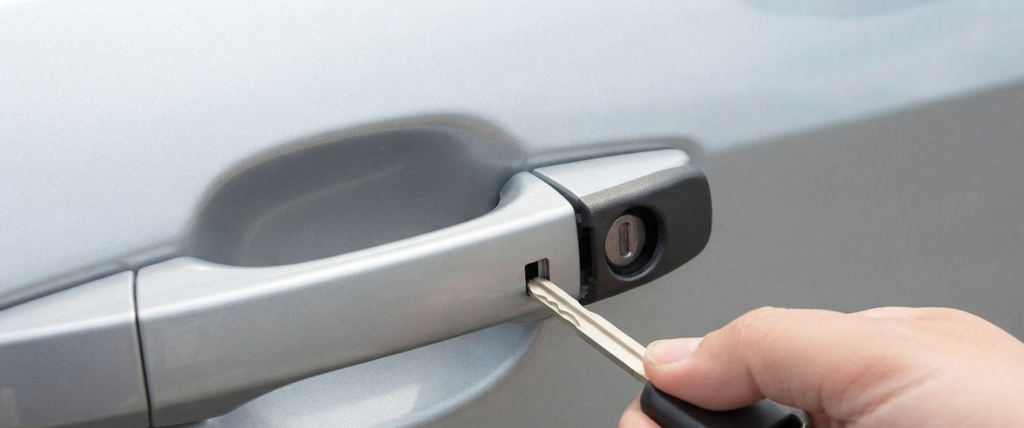
Competitor blogs often forget to mention how tight and secure the protective plastic cap is on modern Civic door handles.Look underneath the driver side door handle to find a small rectangular slot.Take your extracted mechanical key and insert the tip into this slot.Pry upward gently to pop the plastic cover loose without scratching your car paint.Remove the plastic cap completely and set it aside to reveal the hidden metal key cylinder underneath.
Step 3: Manually Unlocking the Door
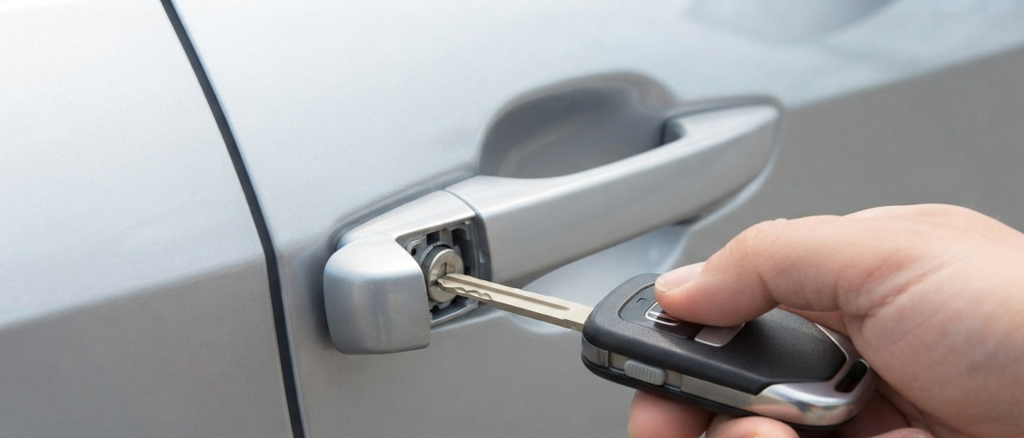
Insert your metal mechanical key into the exposed lock cylinder.Turn the key firmly toward the front of the vehicle to unlock the door.Many automotive forums note that this cylinder feels extremely stiff because owners rarely use it.Apply steady and firm pressure to turn the key completely.Once turned, return the key to its original vertical position and remove it.Release the door handle completely back to its resting state before pulling it to open the door.Failing to let the handle return first is the number one reason why the door stays latched.
Step 4: What to Do If Your Car Battery is Completely Dead
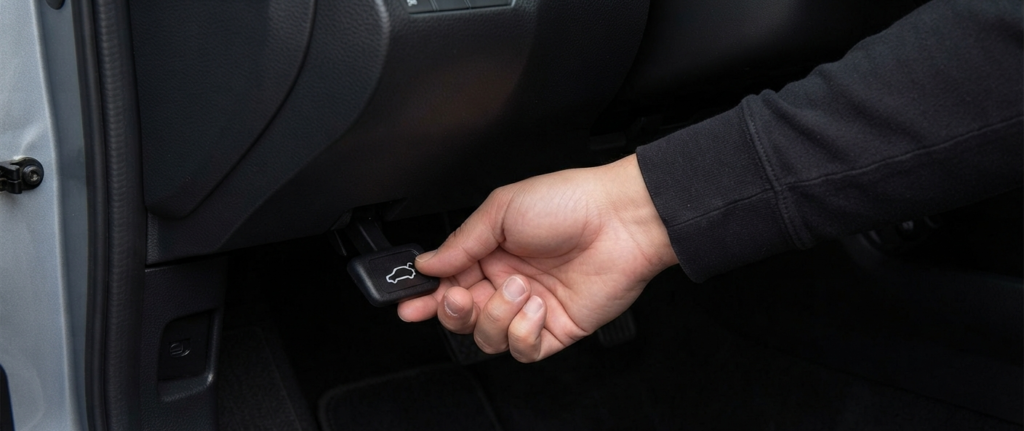
Opening the door manually gets you inside the cabin.However, if your main 12V car battery is completely dead, all electrical systems remain offline.Do not panic if the factory security alarm triggers once you open the door manually.You will need to pop the hood to access the dead battery for a jump start.Reach down to the interior hood release handle located near the driver side kick panel.Pull the lever firmly to pop the hood latch.Step outside, release the secondary safety latch under the center of the hood, and secure it with the prop rod.Connect a portable jump pack or jumper cables to revive your dead battery.
Conclusion and Prevention Tips
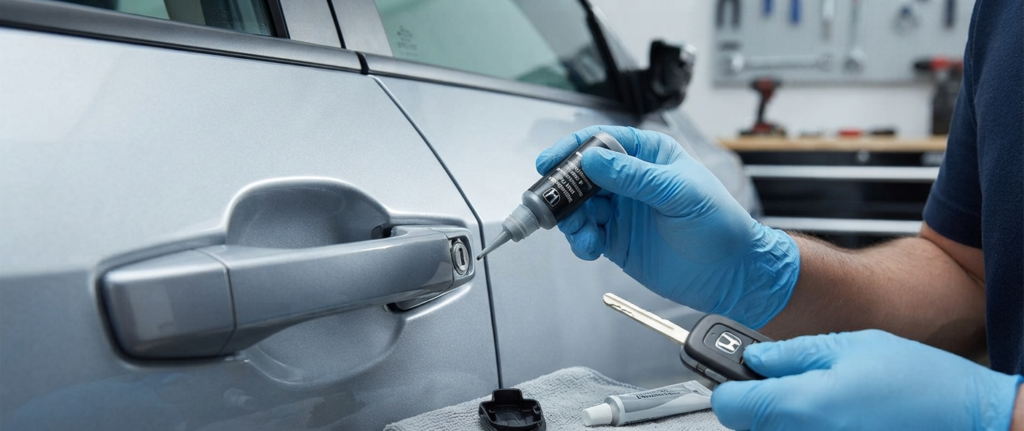
Knowing how to use your Honda Civic mechanical key saves you from expensive locksmith calls.Unlike basic general car guides, understanding the specific quirks of the Civic door handle ensures you never get stranded.Test your mechanical key cylinder once a year during routine maintenance.Apply a tiny drop of graphite lubricant if the cylinder feels stiff.