
Introduction
Getting out of your car and walking away should mean your vehicle secures itself automatically.For owners of modern Honda Civic models, the walk away auto lock is one of the best convenience features built into the smart entry system.When this feature randomly stops functioning, it leaves your car vulnerable and forces you to rely on your manual key fob buttons.This complete troubleshooting guide explores why the system fails and how you can fix it quickly without unnecessary dealership bills.
Understanding How the Honda Civic Auto Lock Operates
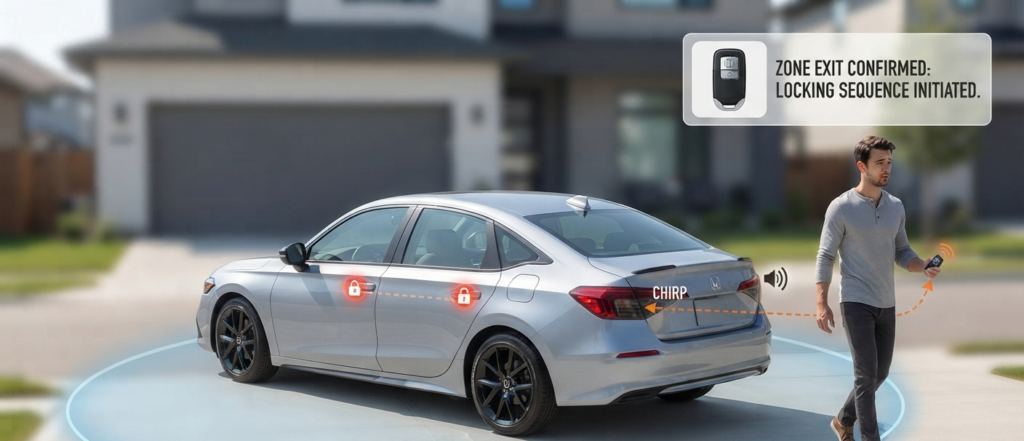
Before looking at fixes, it helps to know how the system triggers.
Your smart key fob communicates constantly with exterior antennas mounted on the vehicle body.
When you exit the car with the valid key fob inside your pocket, close all doors, and walk past a five-foot radius, the car recognizes that the fob has left the zone.
It should then emit a confirmation beep and lock all doors automatically. If any variable in this sequence changes, the feature deactivates.
Step 1: Check Your Infotainment System Settings
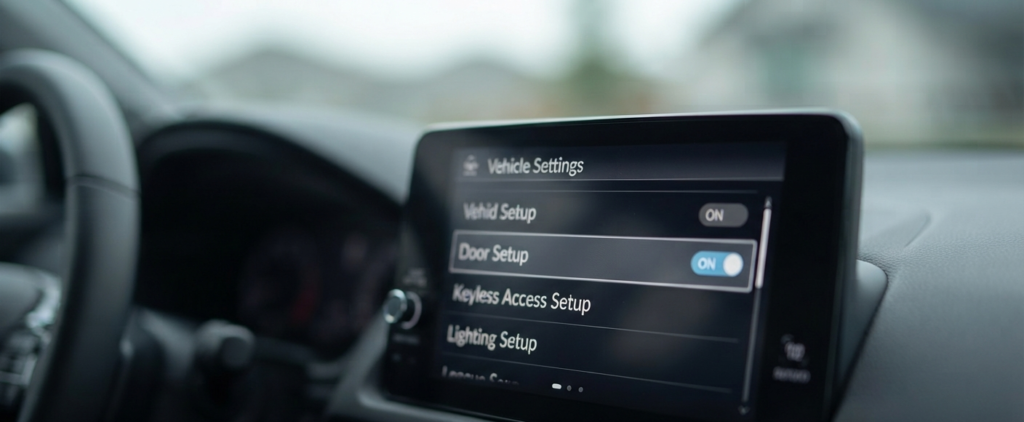
The most frequent reason for a sudden failure is an accidental toggle in the vehicle settings menu.
Software glitches, recent system updates, or a disconnected car battery can reset these preferences back to default.
To fix this, turn on your ignition and look at your touchscreen dashboard display.
Go to Settings, select Vehicle, and then click on Door Setup.
Locate the Walk Away Auto Lock option and make sure it is turned on.
If it is already enabled, toggle it off, wait ten seconds, and turn it back on to force a system refresh.
Step 2: Beware of the Hidden Spare Key Fob
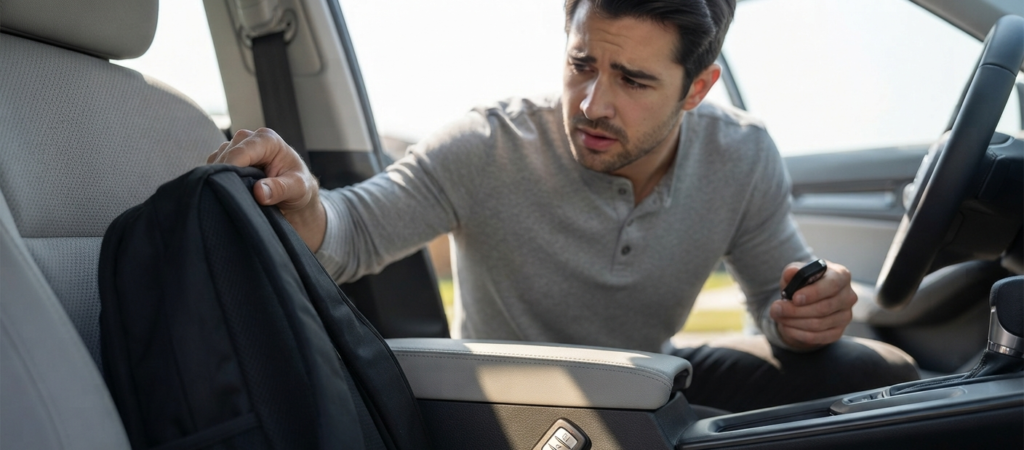
Many drivers carry gym bags, backpacks, or purses that contain an extra key fob, a spare smart card, or a valet key.
If a second valid key fob is left inside the cabin or the trunk, your Honda Civic gets confused.
The security system detects a key inside the car and refuses to execute the auto lock sequence to prevent you from locking your keys inside.
Take all extra keys completely away from the vehicle and test the walk away feature again using only a single fob.
Step 3: Inspect All Doors, Hood, and Trunk Latches
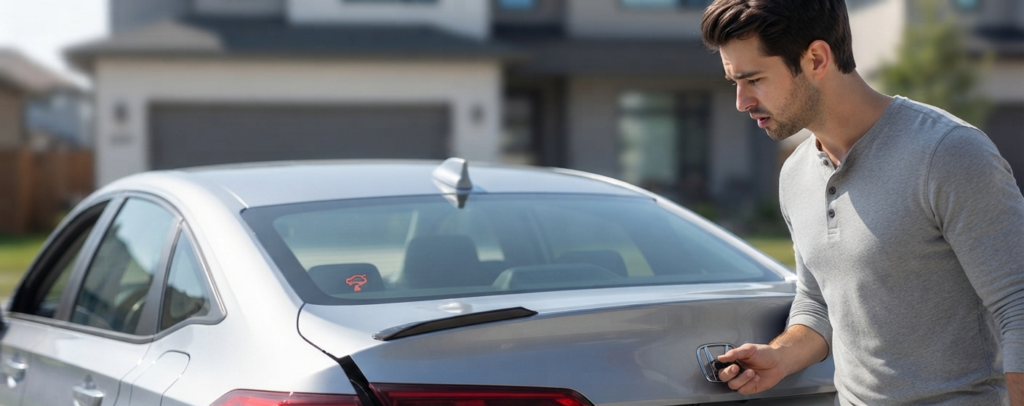
Your car will intentionally abort the locking sequence if it believes any entry point is open or insecure.
Even a slightly unlatched trunk or a passenger door that is not completely shut will break the logic loop.
Check your instrument cluster when you step out of the vehicle.
Look closely for any open door warning icons or a flickering trunk indicator light.
Over time, door latch microswitches can accumulate dirt or fail to register that the door is tightly closed, stopping the system from locking up.
Step 4: Replace a Weak Key Fob Battery
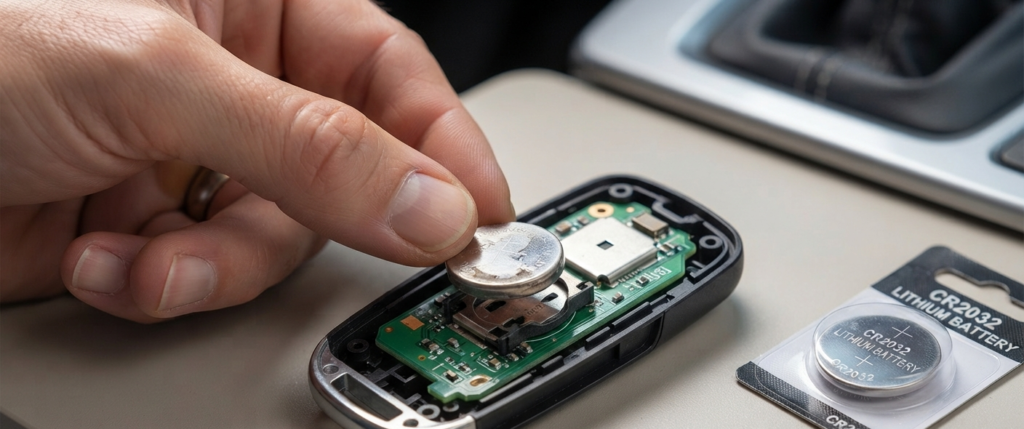
A dying coin cell battery inside your key fob can still produce enough power for push-button engine start, but it fails at long-range communication.
When battery voltage drops, the fob cannot transmit a reliable distance signal to the exterior door handle sensors.
Open your key fob case and replace the old battery with a fresh CR2032 cell.
A strong, fresh battery restores clean signal strength for immediate daily response.
Step 5: Test for Asymmetric Door Handle Failure
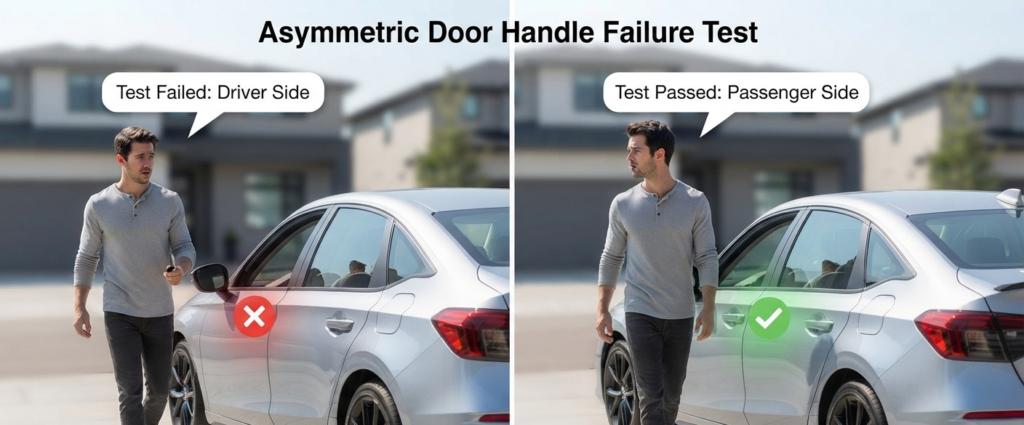
Not all exterior sensors wear out at the exact same time.
The driver-side door handle experiences the highest volume of daily physical use and is most prone to electronic degradation.
Walk away from the passenger side of your vehicle or test the rear doors to see if the system responds differently.
If your car locks successfully when you walk away from the passenger side but fails on the driver side, you likely have a localized sensor failure inside the driver door handle assembly.
Step 6: Perform a Body Control Module Reset
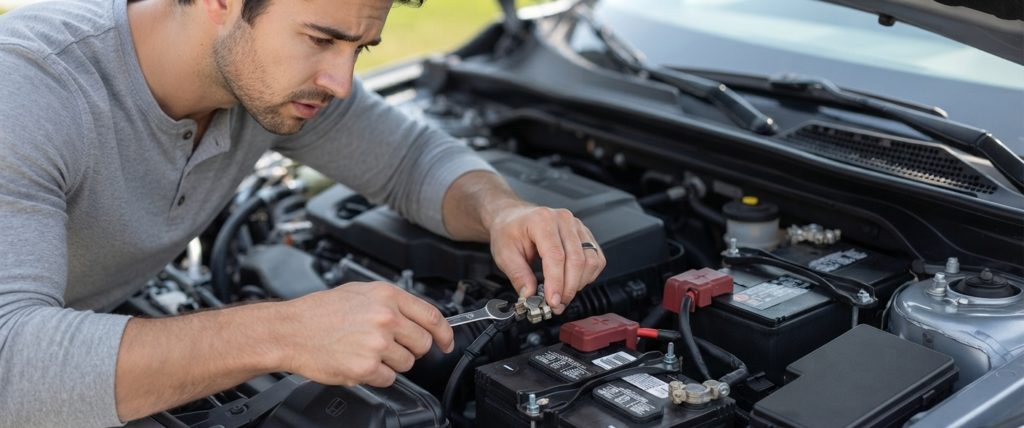
If your settings are correct and your key batteries are brand new, a temporary freeze in the onboard computer modules might be to blame.
You can clear minor software glitches by performing a quick hard reset.
Turn off your engine and safely disconnect the negative terminal of your 12V car battery for about five minutes.
This clears temporary memory caches across the body control units. Reconnect the terminal tightly and test your walk away lock feature.
When to Consult a Professional Mechanic
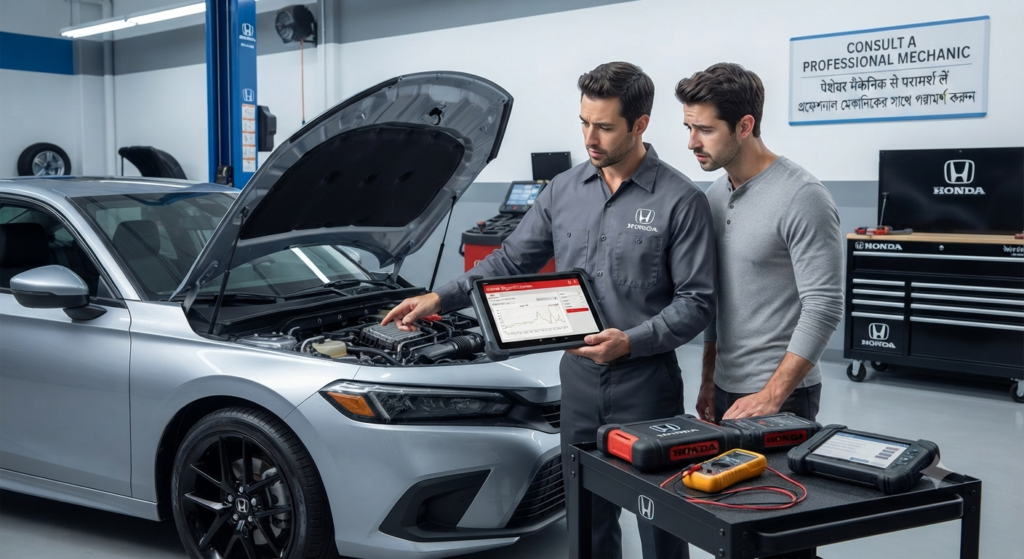
If you have completed all these diagnostic steps and your Honda Civic still refuses to lock automatically, you may be facing a deeper hardware malfunction.
Faulty door antennas, broken wiring harnesses, or failing body control modules require professional scanning tools.
Visit your local service center or dealership to run a complete diagnostic scan on your smart entry system.