
Modern vehicle technology aims to keep our cabins clean and clutter free.
Factory wireless charging pads seem like the ultimate luxury convenience.
You drop your phone on the center console tray, and power starts flowing immediately.
Many Honda Civic owners discover a frustrating issue very quickly.
Your phone turns into a scorching hot brick after only a short drive.
Sometimes the screen even goes dark with an overheating warning message.
This guide explores why this happens in your Civic and how you can fix it permanently.
Why Your Honda Civic Wireless Charging Pad Overheats Your Phone
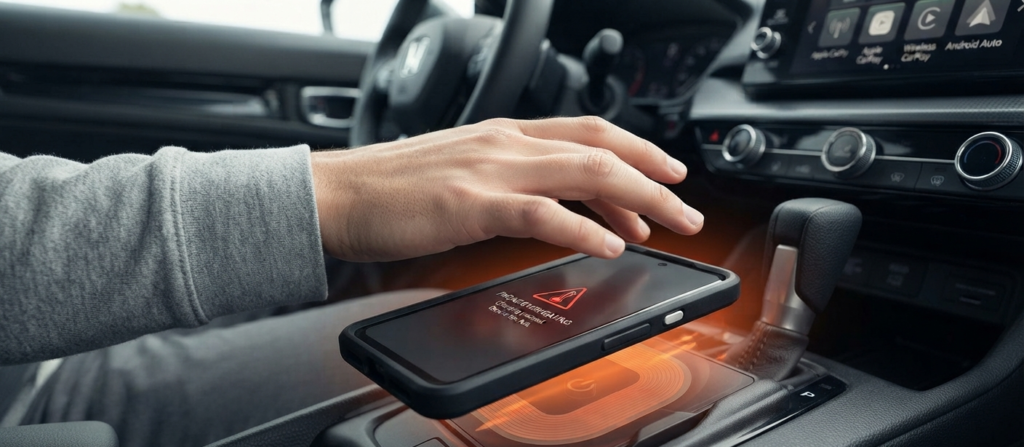
Wireless charging uses electromagnetic induction to transfer power without cables.
A transmitter coil inside the vehicle console creates a magnetic field.
The receiver coil inside your smartphone catches this field and turns it back into battery energy.
This energy conversion process loses some power along the way.
That lost power turns directly into thermal heat.
The problem multiplies when you use wireless Apple CarPlay or Android Auto at the same time.
Your phone processor handles heavy GPS routing, background data syncing, and music streaming all at once.
The heat from internal processing mixes with the warmth from the charging pad.
Your smartphone battery temperature skyrockets within minutes.
The Hidden Culprits Inside Your Cabin
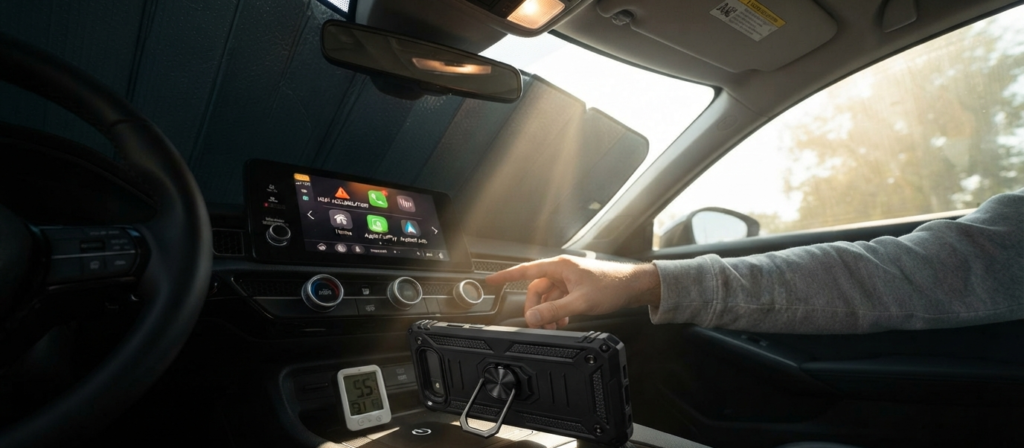
Several everyday factors make thermal issues much worse inside a Honda Civic.
Center console placement matters a great deal.
The charging tray sits flat in an area with very little active airflow ventilation.
Trapped heat has nowhere to escape beneath the rubber mat.
Sunlight streaming through the windshield often beats down directly onto the center console.
Your protective phone case also plays a major role.
Thick rugged cases, heavy duty armor covers, and metal ring mounts act as thermal blankets.
They trap heat tightly against the rear glass and the lithium ion battery cell.
Proven Fixes to Keep Your Phone Cool
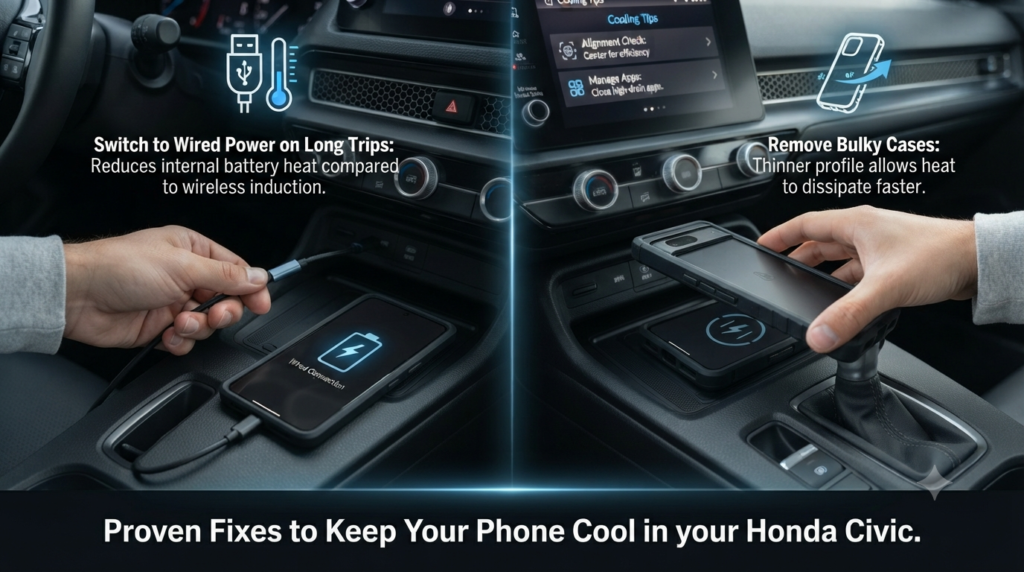
You do not have to accept a burning hot device every time you commute.
Simple adjustments can drastically lower operating temperatures.
- Check Your Alignment: Ensure your phone rests flat in the exact center of the pad. Misaligned coils create massive energy waste and high heat.
- Remove Bulky Cases: Take off thick protective covers before placing your device on the factory charging mat. Bare metal or thin plastic backs dissipate heat much faster.
- Manage Background Apps: Close heavy navigation and streaming apps when you do not need them during short local drives.
- Switch to Wired Power on Long Trips: Use a traditional USB cable for long road journeys. Wired charging generates far less thermal buildup during heavy GPS usage than wireless induction pads.