
Keeping your Honda Civic running smoothly means staying on top of its scheduled upkeep.However, you might perform a specific task like rotating your tires or changing your cabin air filter right in your own driveway.When you handle routine service independently, your dashboard often lights up with a persistent warning reminder.Many drivers face a frustrating dilemma when trying to turn off these individual service alerts.If you use standard factory reset shortcuts without paying attention, you might accidentally wipe out your fresh engine oil life percentage.Knowing how to clear specific maintenance minder notifications without touching your oil life saves you from future confusion.This comprehensive guide walks you through the exact steps to clear secondary service items safely across different Honda Civic model years.
Decoding the Honda Maintenance Minder System
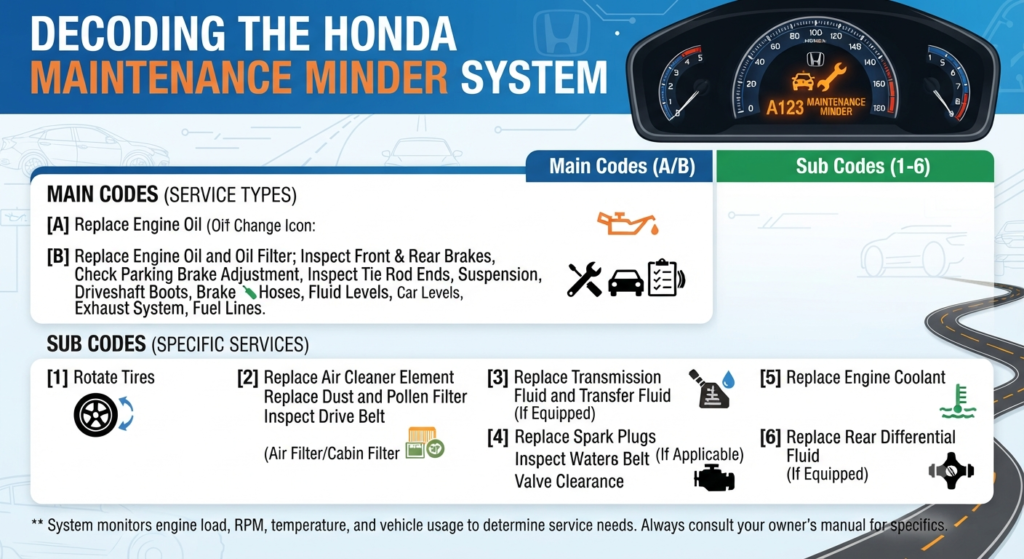
Before clearing any dashboard alerts, you need to understand what the system is trying to tell you.Top competitor automotive guides always advise checking your specific alphanumeric code first.The Honda onboard computer displays a combination of main letters and sub numbers.Main codes focus exclusively on your engine oil condition.Code A means you only need to replace the engine oil.Code B means you need to replace both the engine oil and the oil filter.Sub codes refer to all other additional vehicle maintenance items.
Code 1 means you need a tire rotation.
Code 2 requires replacing the engine air filter and cabin dust filter.
Code 3 tells you to replace the transmission fluid.
Code 4 indicates it is time to replace the spark plugs and inspect valve clearance.
Code 5 means you need to replace the engine coolant fluid.
Code 6 tells you to replace the rear differential fluid if applicable.
Code 7 requires replacing the brake fluid.
Knowing these exact codes helps you clear only the specific item you just serviced.
Why You Must Avoid the Reset All Function
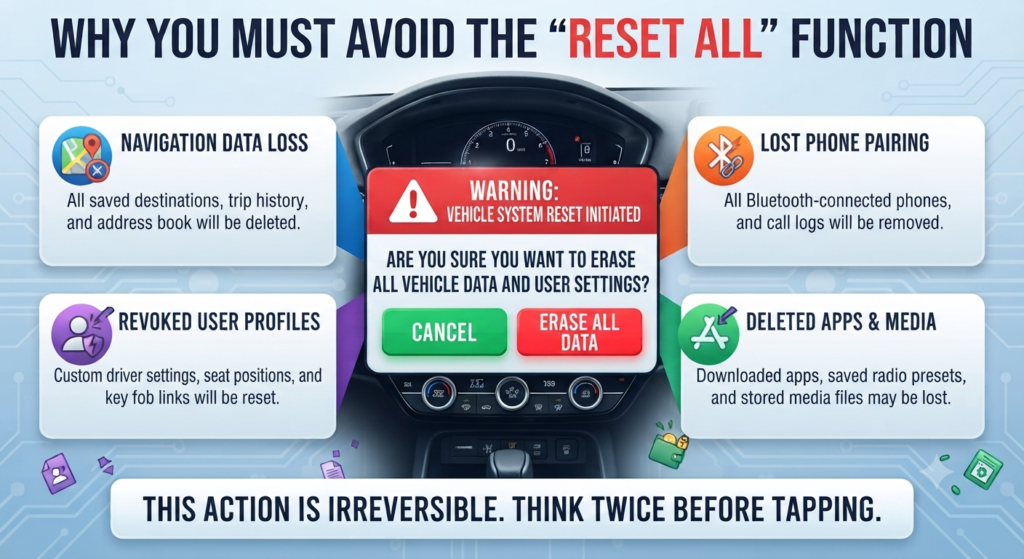
Many DIY mechanics make a critical mistake when navigating their dashboard menus.They select the option to reset all due items to make the warning light disappear quickly.This action wipes the entire computer memory for your current service interval.Your fresh oil life will falsely jump back up to one hundred percent.This makes it impossible to know when your next actual oil change is truly due.You could risk driving on old oil and damaging your Honda Civic engine over time.You must always look for the option to clear individual item codes instead.
Step-by-Step: 11th Generation Honda Civic (2022 to 2026)

The newest Honda Civic models feature fully digital driver information interfaces.Sit in the driver seat and press the engine start button twice.Keep your foot off the brake pedal so the engine does not start.Look at the left side of your steering wheel for the home button and rolling scroll wheel.Press the home button and roll the wheel until you see the Wrench icon for Maintenance.Press the scroll wheel inward to select this menu.You will see your current oil life percentage displayed on the screen.Press and hold the scroll wheel inward for about ten seconds until a new menu appears.Scroll through this new list to find the exact sub item you want to clear.Select the specific item like Item 1 or Item 2 and press the wheel inward to confirm the reset.
Step-by-Step: 10th Generation Honda Civic (2016 to 2021)
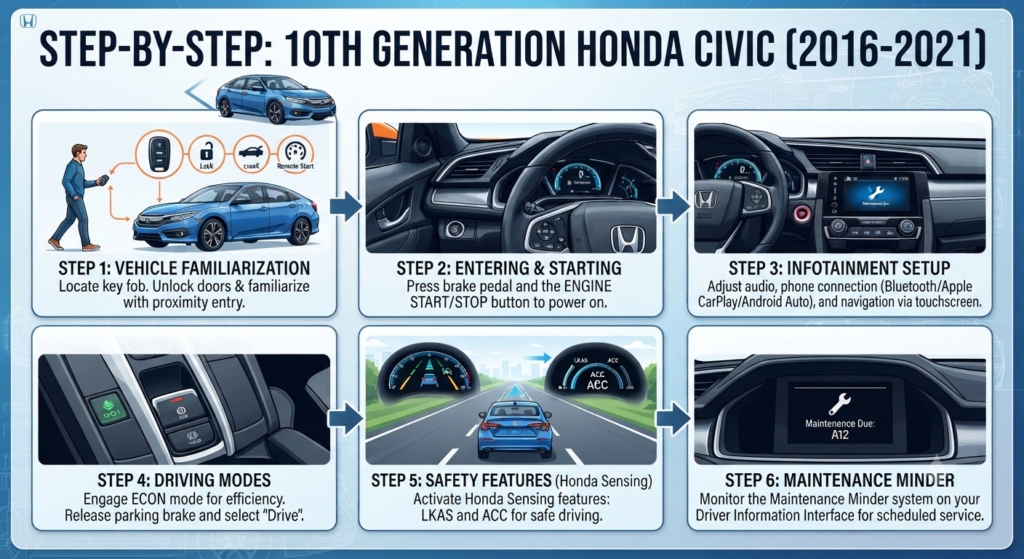
The tenth generation Civic relies heavily on the driver information interface in the center cluster.Turn the vehicle ignition to the ON mode without cranking the engine.Press the Info button on the left side of your steering wheel.Use the directional arrows to find the Maintenance Minder screen featuring the wrench symbol.Press the Enter button to view your current oil life and due service codes.Press and hold the Enter button for ten to fifteen seconds until the screen changes to maintenance reset mode.Use the up and down arrows to highlight the specific individual code you want to clear.Do not highlight the All Due Items option.Press Enter on the individual code to reset it successfully without changing your oil life.
Infotainment Touchscreen Reset Method
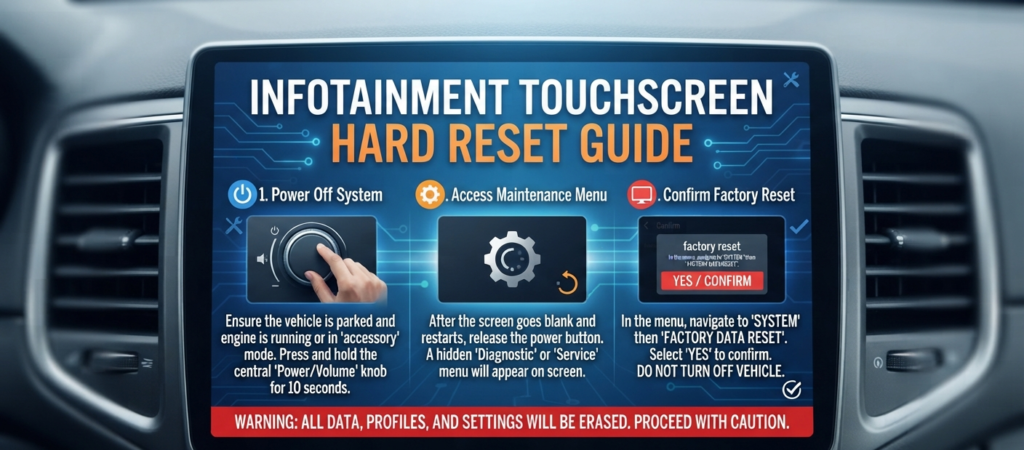
Many top ranking competitor websites fail to mention the touchscreen reset alternative.If your steering wheel buttons are confusing, you can use the center radio display on modern Civics.Turn the vehicle completely on without starting the engine.Tap the Home icon on your center touchscreen display.Navigate to the Settings menu and tap on Vehicle.Scroll down and select the Maintenance Info option.Tap the Select Reset Items button on the screen.The screen will display a list of all individual maintenance tasks.Simply tap the specific service you completed and confirm the reset prompt.
Step-by-Step: 8th and 9th Generation (2006 to 2015)
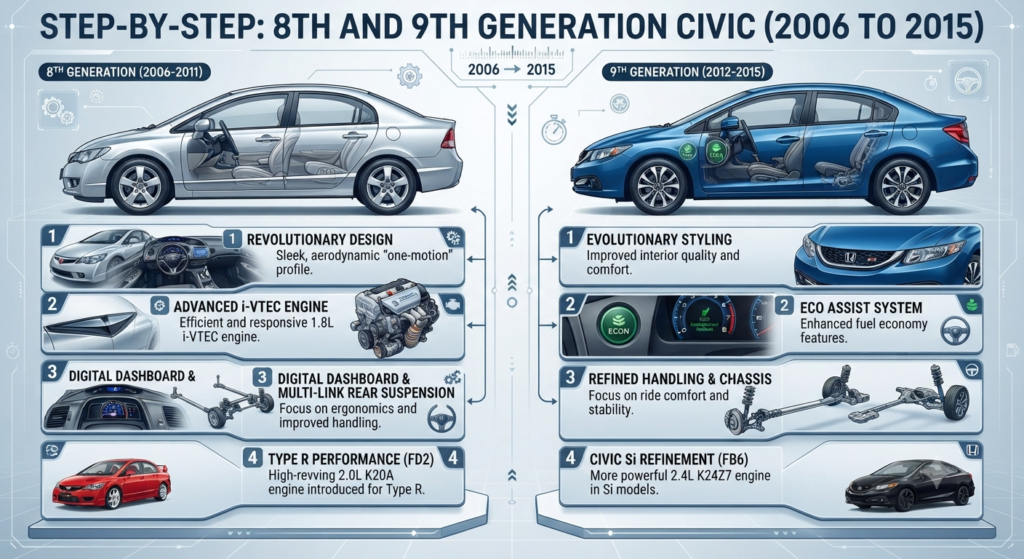
Older Honda Civic models do not have advanced steering wheel scroll wheels.They use a physical trip stick knob protruding from the dashboard instrument cluster.Turn your ignition key to the ON position.Press the trip stick repeatedly until you see the engine oil life percentage on the dash.Press and hold the trip stick for about ten seconds until the display begins to blink.Release the knob for a brief moment.Turn the knob left or right to cycle through the specific maintenance codes if your trim level allows it.Once your desired sub code is blinking, press and hold the stick again for five seconds.This will clear the selected alert while preserving your main oil reading.
Troubleshooting Reset Failures
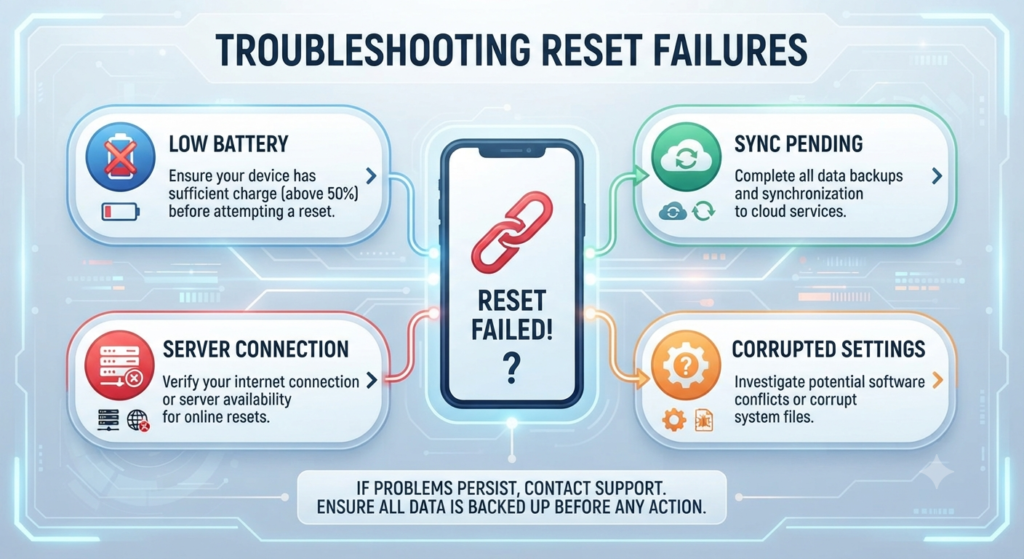
Sometimes the vehicle computer refuses to cooperate with your reset attempts.The most common issue is having the engine running while trying to access the menu.Honda programs a safety lockout feature that disables reset functions while the engine is on.Always ensure your dashboard warning lights are fully lit but the tachometer shows zero RPM.If your touchscreen freezes during a reset, hold the radio power button for ten seconds to reboot the system.If a warning code returns immediately after a successful reset, you might have selected the wrong sub item.Turn the car off completely and start the process over from the beginning.
Frequently Asked Questions
- Will clearing a tire rotation code change my oil life?
No, as long as you select the individual Item 1 from the reset menu instead of the master reset option. Your oil life percentage will remain exactly where it was. - What should I do if I accidentally reset my oil life?
You cannot undo a system reset once it is confirmed. You must write down your current vehicle mileage and track your next oil change interval manually. - Why does my maintenance light stay on after an oil change?
The light stays on if the technician forgot to reset the system manually. You will need to follow the steps above but select the master reset option for Code A or Code B.